Turning Household Chaos Into a Network Inventory Worksheet
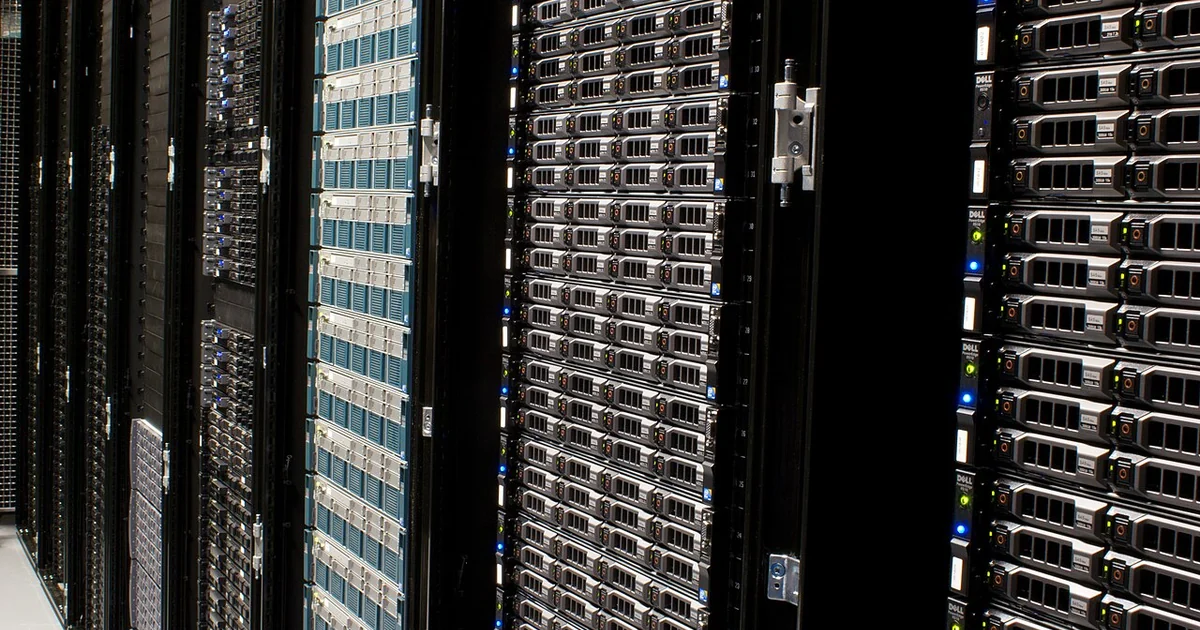
Most people approach home networking the way they approach a grocery run without a list: they wander, grab what looks interesting, and discover the gaps later. A hardware VPN concept, whether a small pocket device, a desktop link, or a rack-style node, makes that habit expensive. Before you weigh any concept against your needs, you need a written picture of what your network actually does. This article walks through a method for building that picture. It is general guidance for anyone documenting requirements, and it does not assume any particular product will meet them.
Start With an Inventory of Endpoints
Begin by listing every device that connects to your network, including the ones you rarely think about. Laptops and phones are obvious. Less obvious are smart plugs, printers, televisions, game consoles, network-attached storage, security cameras, thermostats, and the router or access point itself. For each entry, record the device type, its operating system or firmware, whether it is owned by you or by someone else in the household, and whether it is mobile or stationary.
Add a column for the network it normally uses. Some devices sit on the main Wi-Fi, some on a guest network, and some on a wired segment. If you do not know, check the router's connected-devices page and note what you find. Unknown entries are the most useful rows in the whole document, because they reveal assumptions you did not realize you were making.
Map the Traffic You Actually Care About
Once endpoints are listed, describe what each one does on the network. A laptop might browse, sync files, and join video calls. A storage box might serve media to televisions on the local network. A camera might upload to a cloud service. Write these as plain sentences rather than technical labels, because the sentences force you to name the destination and the reason for the connection.
Separate traffic that must stay local from traffic that leaves your home. Local traffic, such as a printer receiving jobs or a television streaming from a local server, may break or behave differently if you route everything through a tunnel. Outbound traffic, such as web browsing or remote work, is where a VPN usually matters. Marking each flow as local, outbound, or both gives you a concrete test to apply later.
Define Requirements Separately From Wishes
A requirements spec and a wish list are different documents. A requirement is something your setup cannot function without, such as a particular device reaching a particular service. A wish is something you would like, such as a small footprint or a specific look. Keep them on separate pages. When you later read a product page, you can check each requirement against what the page explicitly states, and treat wishes as tie-breakers only.
Write requirements as testable statements. "Good privacy" is not testable. "Outbound browsing from my laptop passes through a tunnel I control, and local printing continues to work" is testable. If you cannot describe how you would verify a requirement, rewrite it until you can.
Record Operating Constraints
Constraints are the physical and practical facts of your home. Note how many rooms need coverage, whether your internet connection comes through a modem you cannot replace, what power outlets are available near the router location, how many people share the network, and whether anyone in the household has limited technical comfort. These facts often matter more than any feature list.
Also record your existing failure modes. If your Wi-Fi drops in the evening when neighbors are online, write that down. If a family member loses access to shared files after a router reset, note it. Past problems are the best predictor of which requirements will be tested hardest.
A Short Checklist Before You Compare Anything
Before comparing any hardware VPN concept, confirm that your document can answer these questions. Which devices are on the network, and which of them are unknown? Which flows are local, outbound, or both? Which requirements are testable, and which are only wishes? What physical and power constraints apply in each room where a device would sit? What has broken before, and what would count as a failure now?
When a product page makes claims, compare them against your written requirements rather than against the page's enthusiasm. If the page does not explicitly state a capability you need, record it as unknown rather than assuming it exists. Concept pages, development updates, and finished-product specifications are different kinds of information, and your document should label which one you are reading. A complete, honest inventory will serve you whatever you decide, because it turns a vague shopping impulse into a set of questions anyone could check.